

Connect with three cables
Connect the bridge as shown below:
- Power: USB-C power adapter on the long side.
- USB: Connect the printer cable (USB-A) to the USB port.
- LAN: LAN cable in the LAN port.
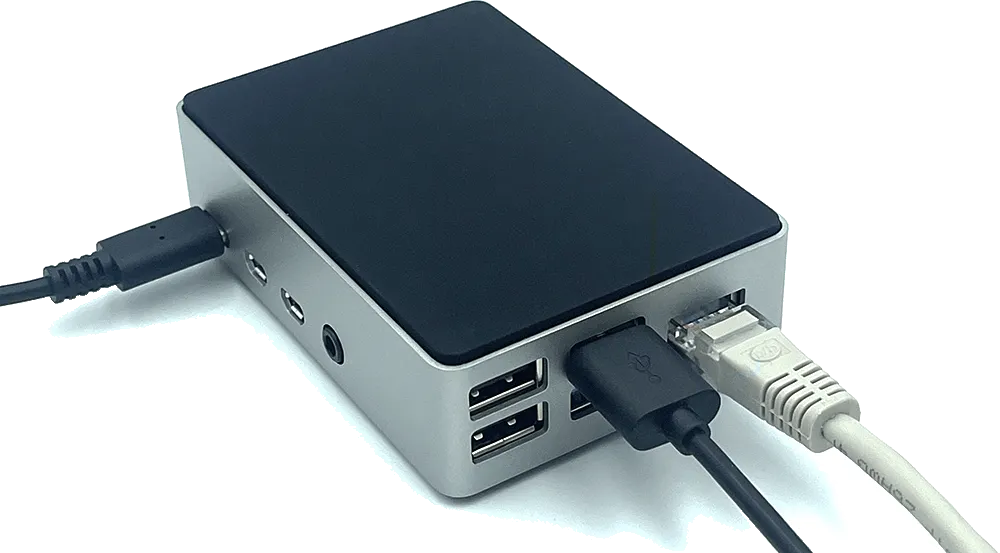
How to connect the Bridge to Beam
Connect the bridge as shown below: