

The agri WMS that shows you where every batch is
Barcode scanning for fast logistics, RFID for precise final controls. See where your batches are stored, trace lots from field to customer, and manage cold storage visually.
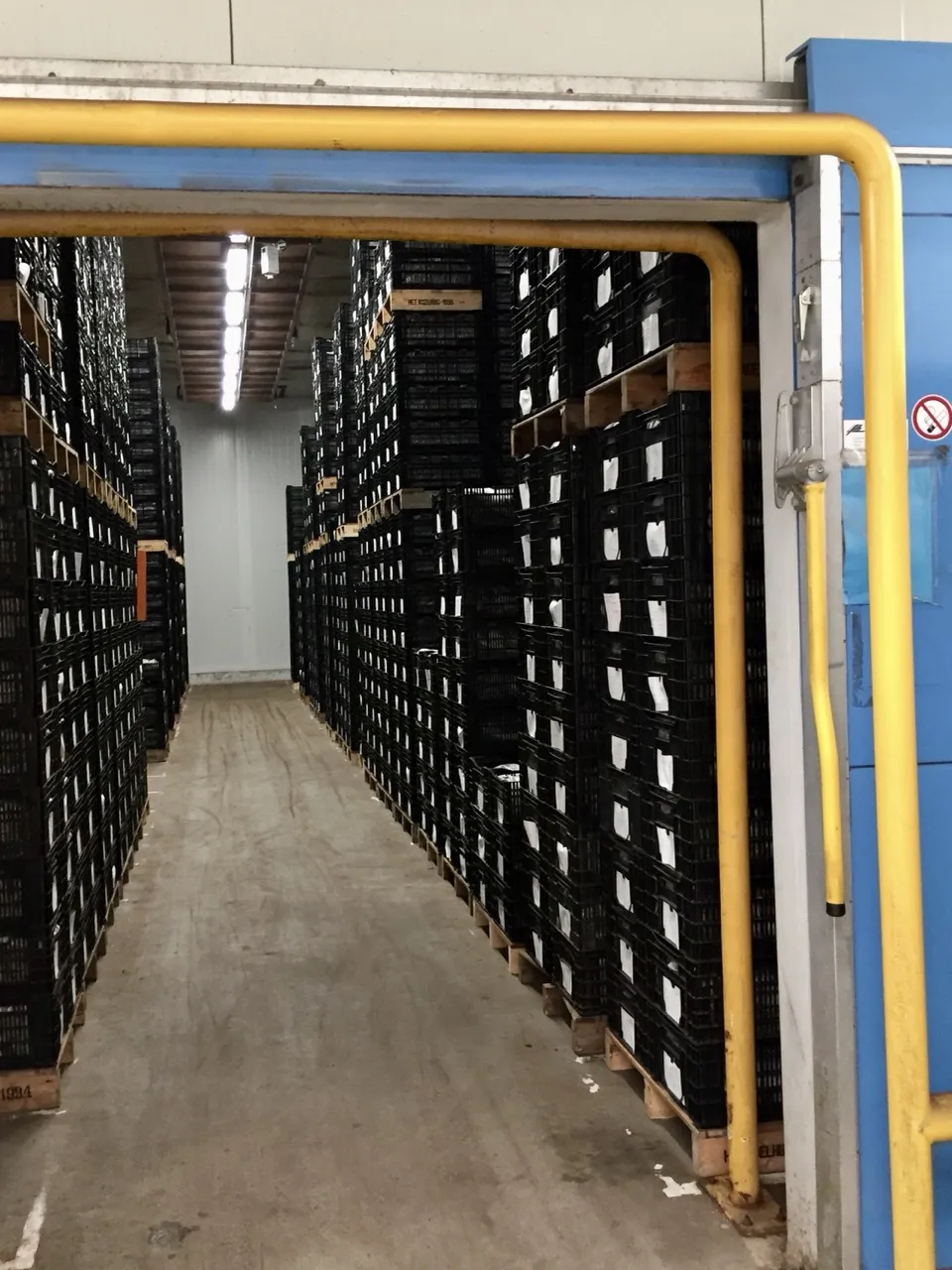
Visual batch management as a competitive advantage
Barcode scanning for logistics speed. RFID for final control accuracy. Together they give you full cold storage visibility.
You cannot manage what you cannot see
Paper logs and memory don't scale at harvest time. Batches get mixed, lots end up in the wrong cell, and nobody knows what's actually stored where. A visual WMS shows you every batch in real time without opening doors.
Barcode speed for logistics, RFID precision for controls
Receiving, moving, and shipping batches needs speed barcodes deliver that. Final controls and cold cell audits need bulk accuracy that's RFID. Combine both for fast logistics and precise audits without compromise.
The visual agri WMS trusted by leading growers
Barcodes for speed, RFID for precision. See where every batch is stored and reach new levels of cold storage visibility.
Batch accuracy across every cold cell, storage unit, and customer.
Lot traceability from field to customer. Every batch linked to harvest date and variety.
Less administration. Barcodes capture movements, RFID verifies everything in bulk.
Per cold cell audit with RFID. Full contents without opening doors.
See where every batch is, from field to cold cell
Four solutions built for agricultural seasons and scale. Barcodes for speed in daily logistics, RFID for precision during controls.
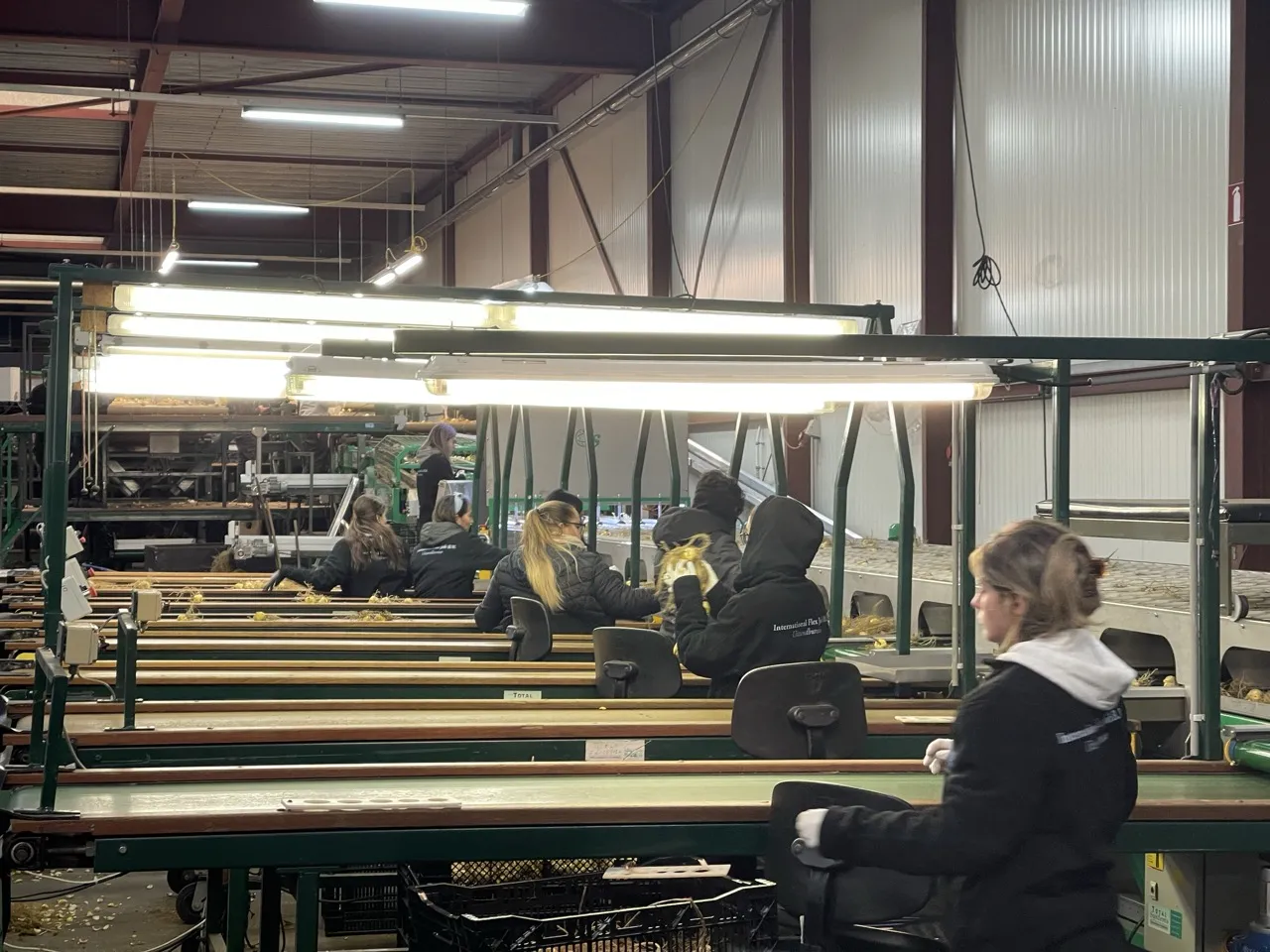
Visual batch management across cold cells
See where every batch is on a visual map. Variety, harvest date, quantity, days stored all at a glance. No more opening doors to check.
Explore location management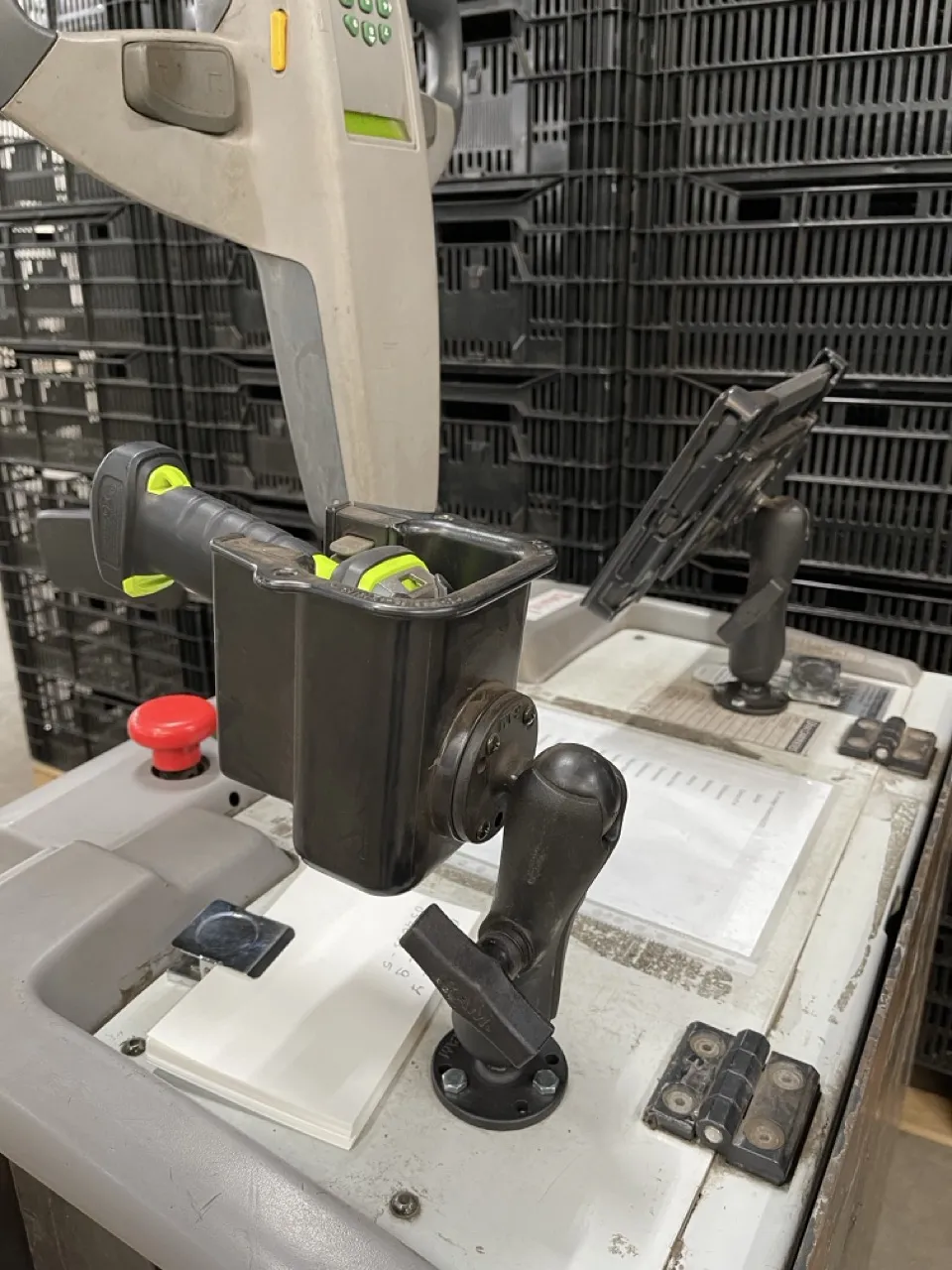
Barcode scanning for fast daily logistics
Receive, move, and ship batches at speed. Scan at harvest to link lots to field, variety, and date. Every scan keeps your visual WMS up to date.
Explore scanning & picking



RFID final controls and cold cell audits
Walk through a cold cell with an RFID scanner and know the full contents in minutes. Verify shipments, audit storage, and run final controls with bulk accuracy.
Explore cycle counting Trace batches from field to customer
Every batch carries its provenance field, harvest date, variety, grading from intake to export. Packing lists and export documents generated automatically.
Explore item managementOrganization impact
Built for agricultural operations
From field to export, complete visibility
See where every batch is
Your visual WMS shows the location, contents, and status of every batch across your operation.
Visual cell overview
Every cold cell on a visual map. Contents, variety, quantity, and age at a glance.
FIFO management
System tracks storage duration per batch. Alerts when lots should ship first.
Capacity planning
See utilization across all cells. Plan intake during peak harvest.
Batch search
Find any batch instantly. Search by variety, harvest date, or customer.
Barcode speed for every movement
Barcode scanning keeps operations fast and your WMS accurate. Every scan updates instantly.
Fast data capture at intake
Scan batches at receiving to capture field, variety, date, and quantity.
Barcode-verified movements
Scan when moving batches between cells or zones. Overview updates instantly.
Order picking
Scan to verify the right batches going to the right orders.
Scan-verified shipments
Scan at the dock to confirm shipment contents match the order.
RFID precision when it matters
When accuracy matters more than speed, RFID delivers bulk verification.
Cold cell audits
Walk through a cell with an RFID scanner. Full contents in minutes.
RFID cold cell verification
RFID-verify entire pallets at loading. Catch errors before they leave.
Stock reconciliation
Compare RFID scan results with system records instantly.
Automated documentation
RFID proof of shipment contents for phyto certificates and documentation.
Stop losing fust
Crates, bins, and containers are expensive. Track them everywhere.
Know your fleet
Real-time count of all crates: on-site, at customers, in transit, in washing.
Customer accountability
Track which crates went to which customer. Automate deposit tracking.
Complete crate journey visibility
Track crates through cleaning cycles. Flag damaged units automatically.
Loss prevention
Alerts when crates don't return within expected timeframe.

We experience great commitment from Beam to the wishes of the industryno request is too crazy, and Beam is flexible and proactive.
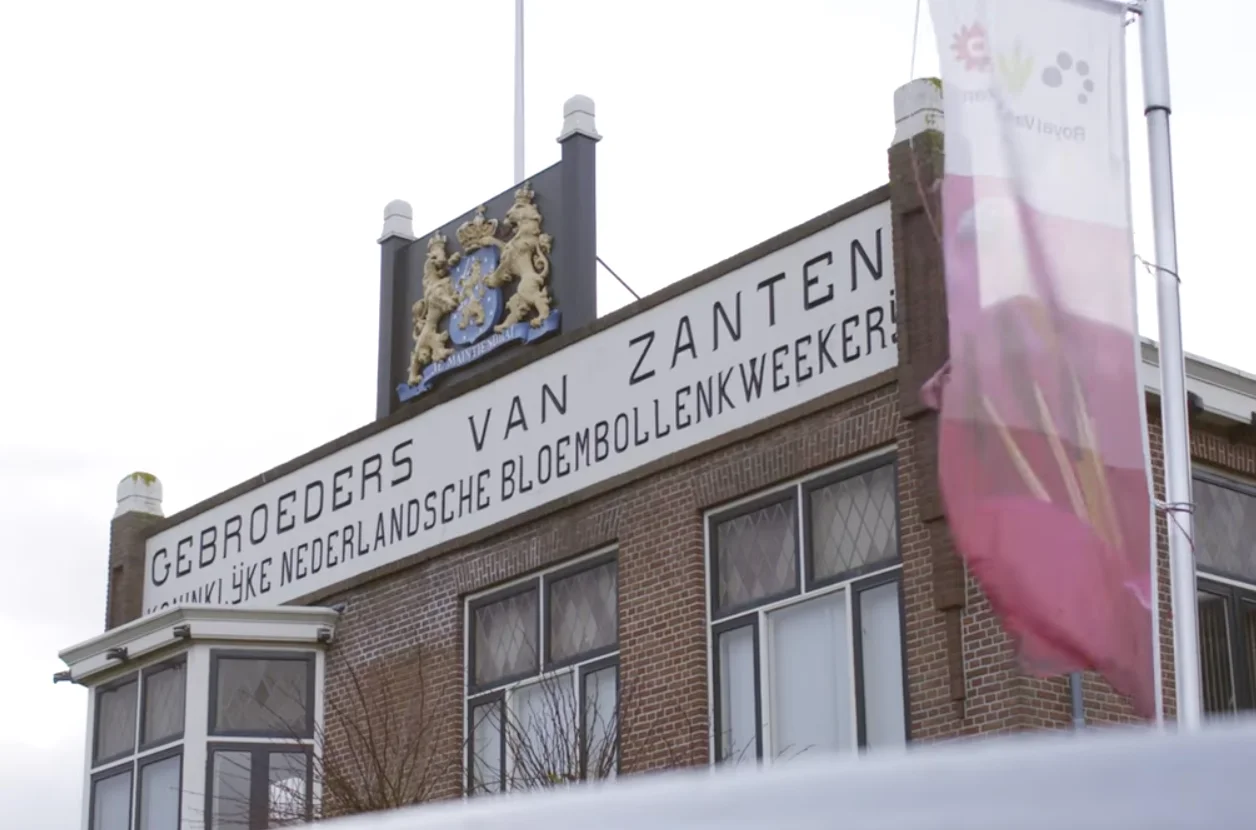
Royal van Zanten struggled with slow and error-prone inventory management via paper tickets and sluggish systems. Beam brought fundamental change: real-time insight, full offline operation in cold storage rooms, and an intuitive app.
- Visibility Real-time insight
See every movement across barns and cold stores instantly.
- Reliability 100% offline operation
Full functionality even in cold storage rooms without WiFi.
- Flexibility Modular approach
Implement in phases, adapt to your specific needs.
Platform
Built for agriculture
Hardware
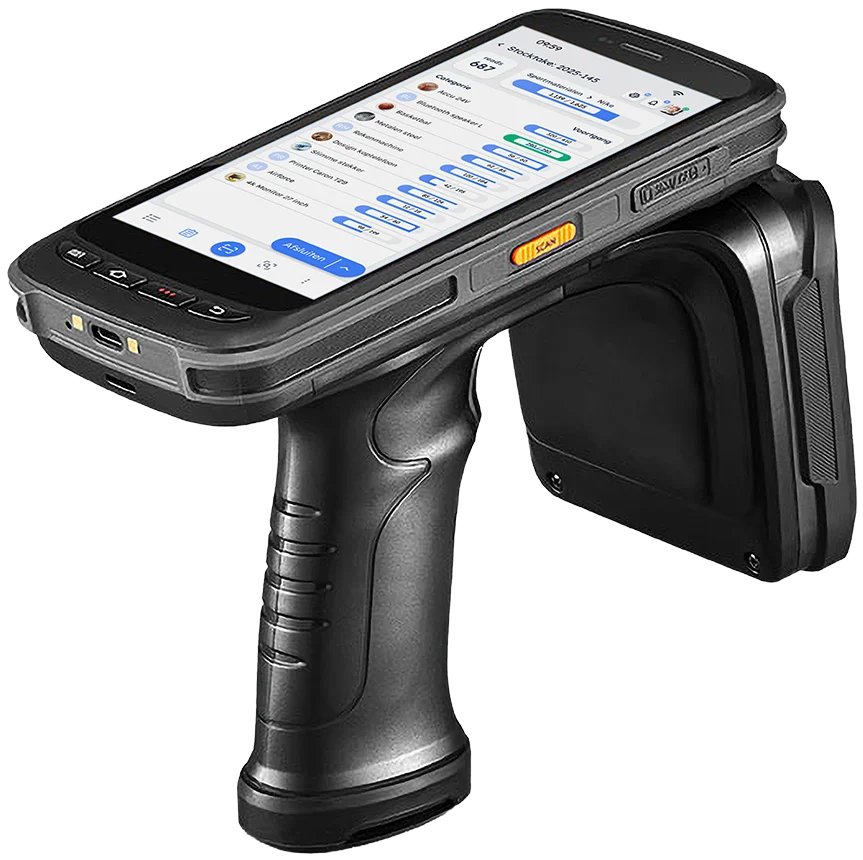
Chainway C72 Handheld RFID Scanner
For final controls and cold cell audits. IP-rated for dust, water, and field conditions.
Learn more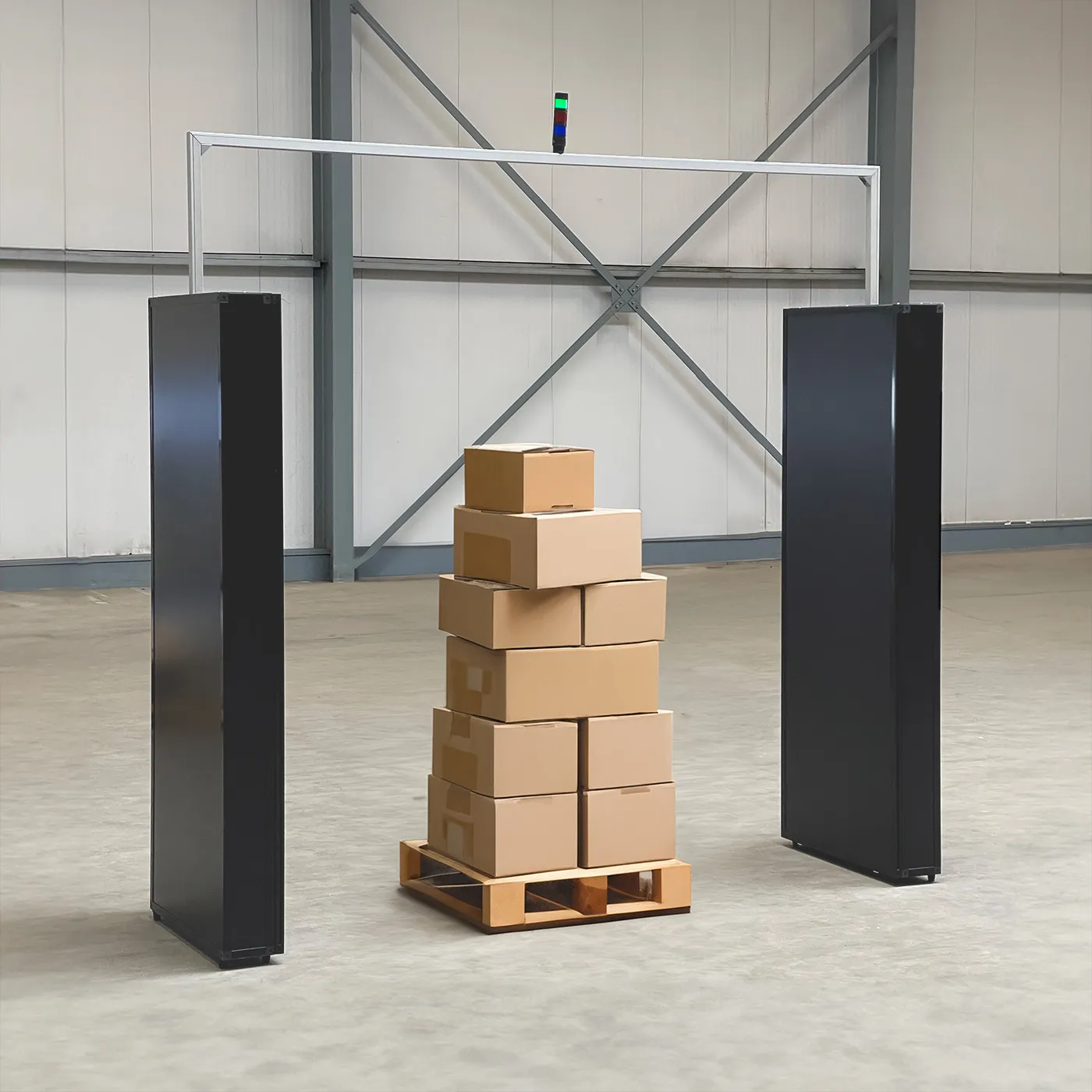
RFID Portal
Automatic verification at cold cell doors, dock entrances, and processing lines.
Learn more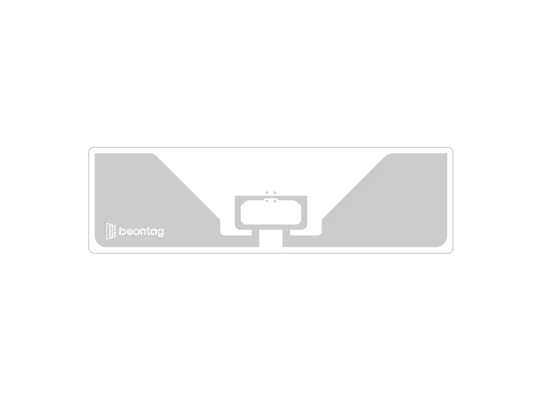
Beontag Setter M830 RFID Tags
Tags designed for crates, bins, and pallets. Survive washing, cold, and rough handling.
Learn moreSolutions
Processes designed for agricultural seasons and scale.
-
Picking & Scanning
Barcode scanning at harvest and throughout logistics for fast batch tracking.
Learn more -
Location Management
Visual overview of all cold cells and storage units. See where every batch is.
Learn more -
Item Management
Full batch traceability from field to customer with automatic documentation.
Learn more -
Cycle Counting
RFID-powered audits and stock reconciliation across your entire operation.
Learn more
Common questions
Barcodes are fast and cost-effective for daily logistics. RFID adds bulk accuracy for final controls and audits where you need to verify many items at once. Together they cover every scenario.
A visual map of your facility with every cold cell. Each cell shows contents, variety, quantity, and days stored. Click any cell for the full batch list. Updates in real time with every scan.
Yes. We use specialized tags rated for temperatures down to -30°C. They maintain full readability in cold cells, freezer rooms, and outdoor conditions.
Beam automatically generates the traceability records required for export documentation. Lot numbers, origins, temperatures, and timestamps are all captured digitally from scan data both barcode and RFID.
See what visual batch management looks like
30-minute demo tailored to your operation. Barcode logistics, RFID controls, visual WMS we'll show you how it all works together.