

Your warehouse in 3D. Every item findable.
Design your warehouse layout with an interactive isometric floorplan. Search items by name, barcode or tag and navigate directly to their shelf compartment.

The challenge
You can't manage what you can't see
Most warehouses run on spreadsheets, paper maps or memory. Nobody can tell you exactly what's in compartment B3 of shelf 4 in zone A. Without a visual system that tracks stock per spot, every location question becomes a walk through the warehouse.
Why it matters
Stop managing locations on paper
How Beam transforms your warehouse
Design your floorplan right in the app, configure shelves down to individual compartments, and search any item by name, barcode or tag. The app navigates you directly to the exact spot.
- Interactive 3D floorplan with 15+ zone types
- Shelf grids with labeled compartments (A1, B2, C3)
- Search any item and navigate to its exact spot
- Bulk move items between locations in seconds
Most warehouses run on spreadsheets, sticky notes, or the memory of whoever has been here the longest. Nobody can tell you what's in compartment B3 of shelf 4 in zone A without physically walking there. Beam replaces all of that with an interactive visual system.
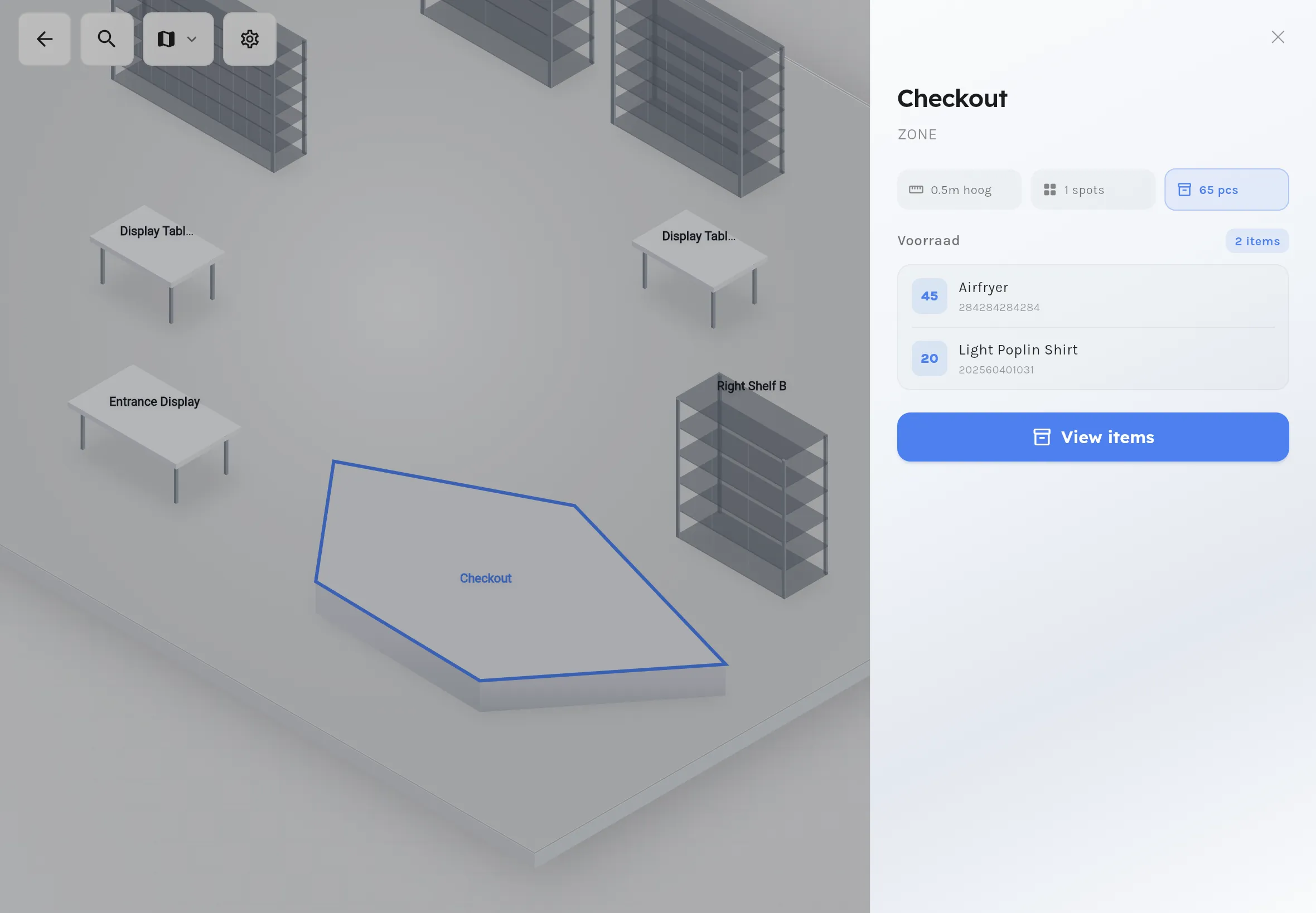
Configure your warehouse by drawing
Draw zones on an interactive canvas with 15+ zone types. Set colors, 3D height, and import background images of your floor plan. Switch between isometric and top-down view with smooth animations.
Learn more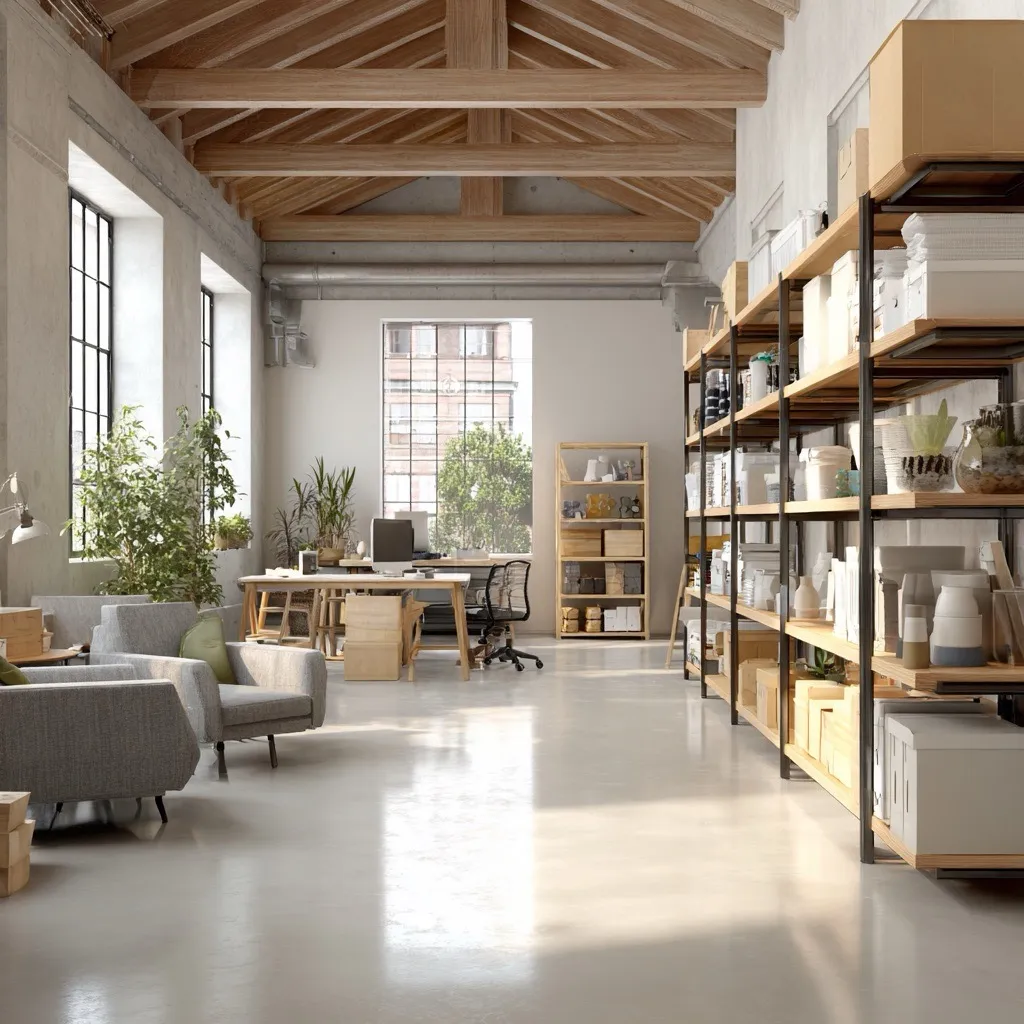
See every item location instantly
Search any item by name, barcode or tag. Results show all stock locations with quantities. Tap to navigate directly to the zone and compartment on the floorplan with a visual sidebar showing item details and position.
Learn more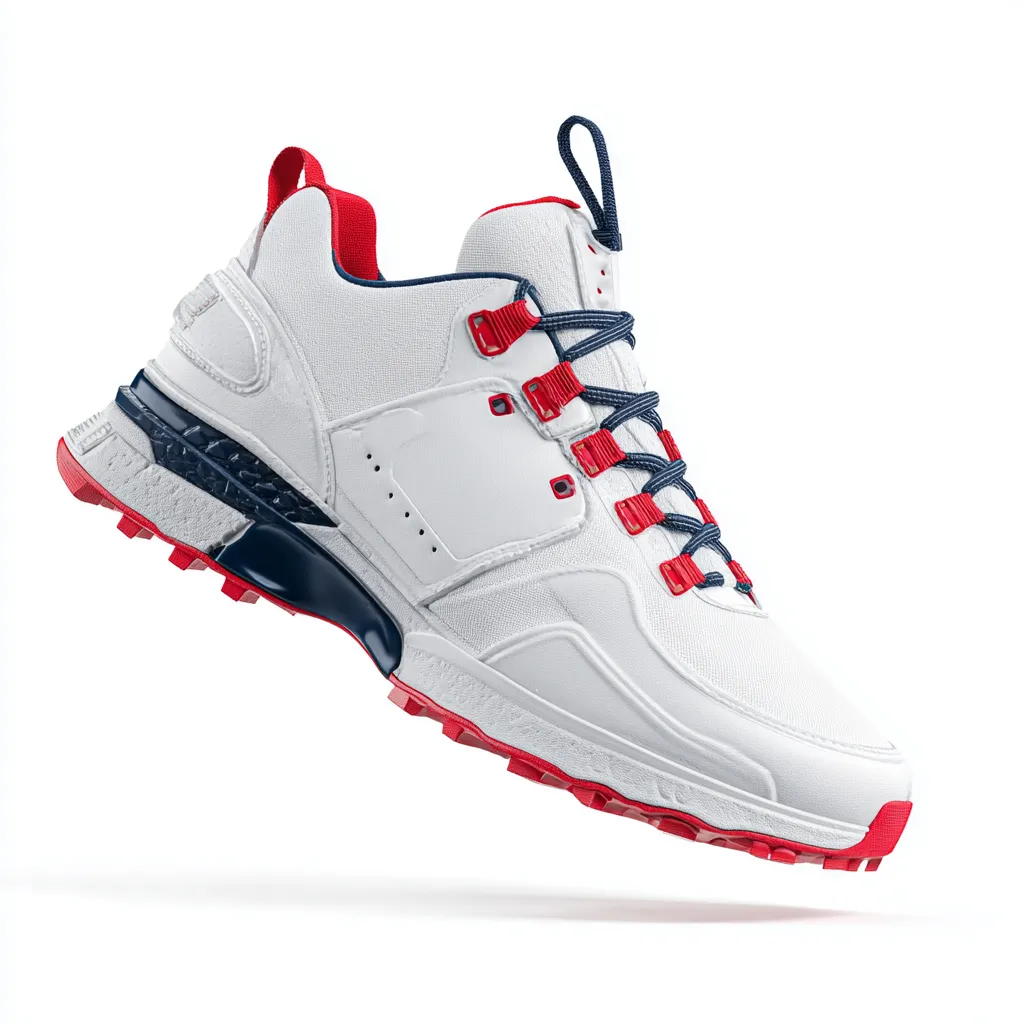 Niko Air 2
  Levy’s 501 1
  Patagonix Nano 3
 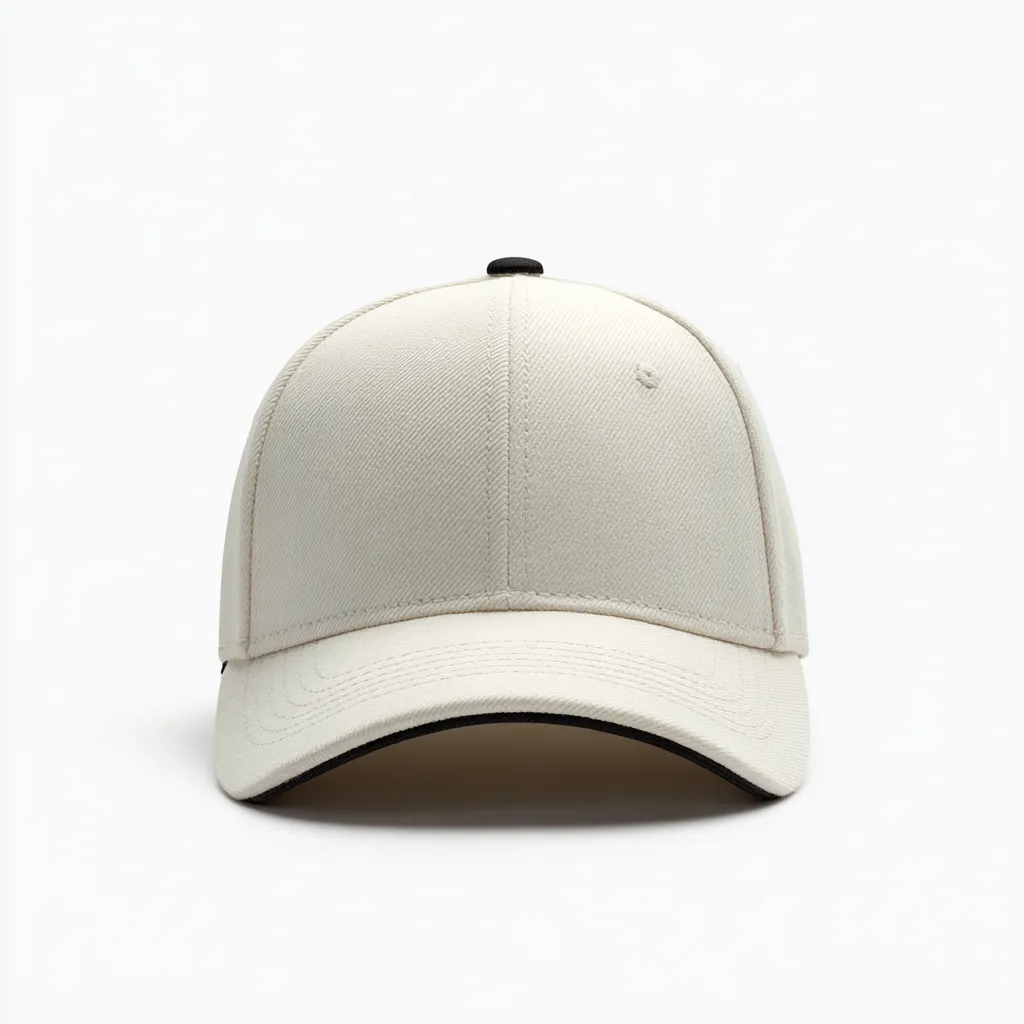 Classic Cap 1
 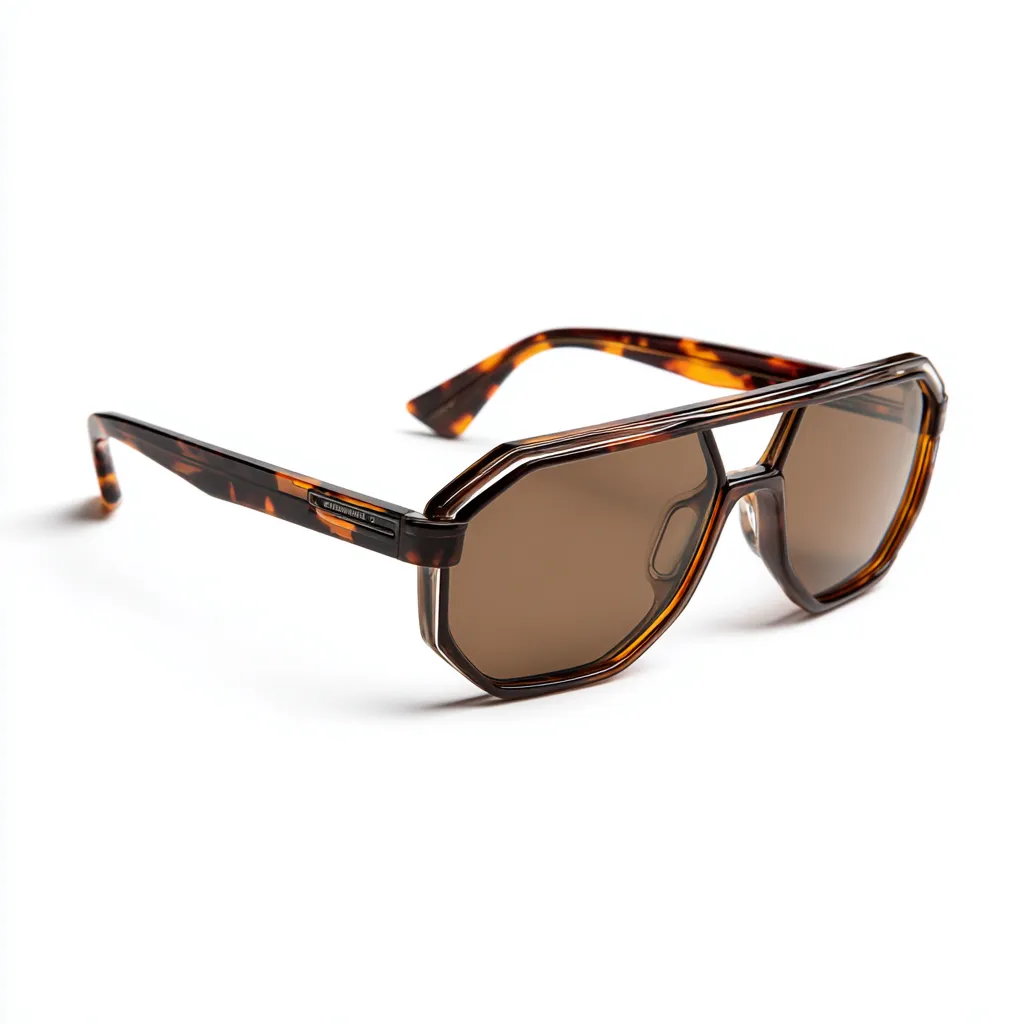 Aviator Sunglasses 2
  Wireless Headphones 4
 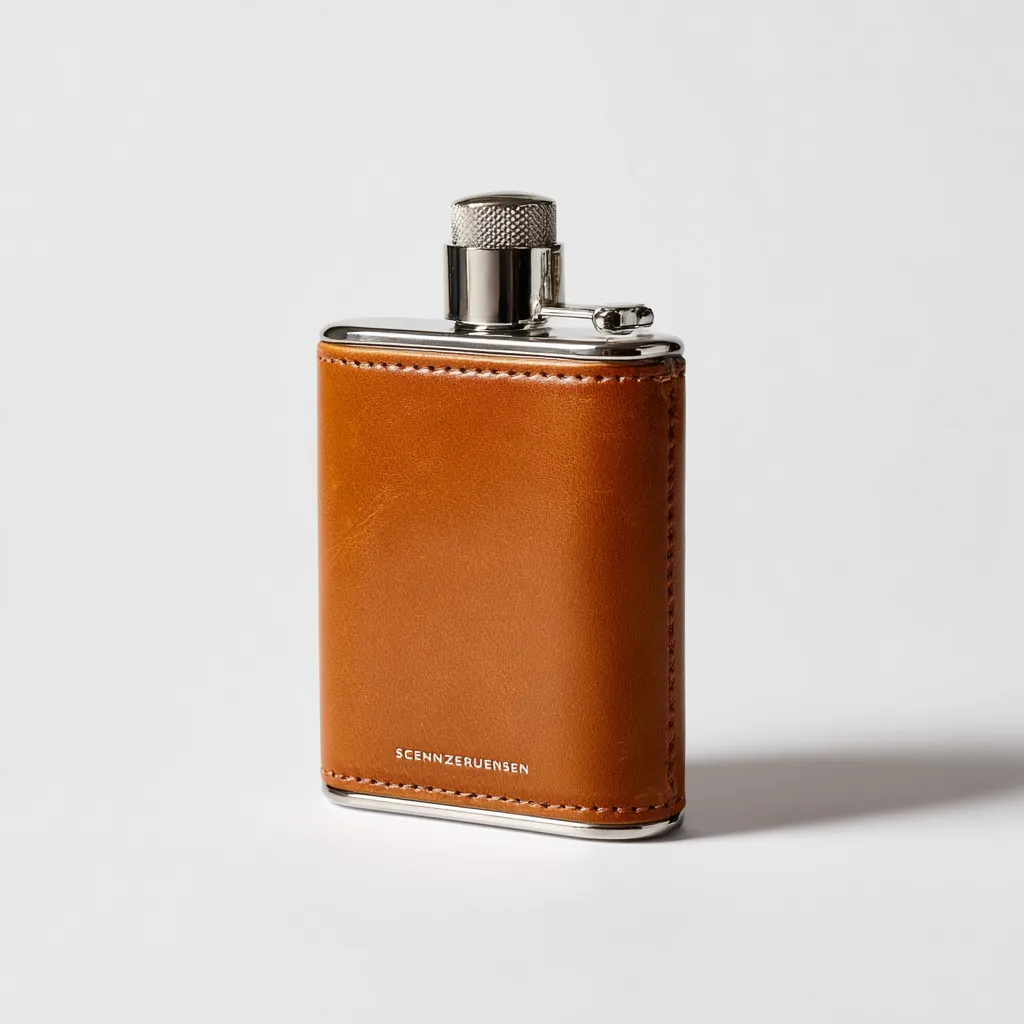 Leather Hip 1
 Track stock per compartment
Configure shelf grids with rows and columns. Each compartment gets an automatic label (A1, B2), scannable barcode and configurable capacity. View type, status and current stock per cell at a glance.
Learn moreMove items between locations
Bulk move items from one location to another in seconds. Select items, pick the destination zone and compartment, and confirm. All location data updates in real-time across every connected solution.
Learn moreCore Features
A complete location management system in your phone
Design, navigate and manage warehouse locations far beyond basic location tracking.
Isometric 3D Floorplan
See your warehouse as an interactive 3D map. Switch between isometric and top-down view. Pan, zoom and navigate with smooth animations. Works on both phone and tablet.
Interactive Zone Editor
Draw zones point-by-point, drag to move, reshape corners. Choose from 15+ types: storage, staging, shelves, displays, pathways and more. Set colours and 3D height per zone.
Shelf & Compartment Management
Configure shelf grids with rows and columns. Each compartment gets an automatic label (A1, B2), scannable barcode and configurable capacity. View stock per cell.
Deep-Linking Item Search
Search by name, barcode or tag. Results show all stock locations with quantities. Tap to navigate directly to the zone and compartment on the floorplan.
Multi-Map Support
Multiple floors, buildings or areas as separate maps. Navigate Map → Zone → Spot with breadcrumbs. Search across all maps at once.
Spot-Level Inventory Tracking
Every spot tracks type (shelf, pallet, bin), status (available, occupied, reserved, maintenance), capacity and full warehouse address.
Organization impact
Impact on your organization
A visual location system transforms how your warehouse operates.
Reduce waste and increase efficiency
Eliminate manual location mapping. Reduce search time through visual navigation instead of walking and asking.
Eliminate manual location mapping
Self-service floorplan design replaces expensive consultants and paper-based systems.
Faster item finding
Visual navigation to the exact shelf compartment instead of searching aisles.
Better space utilisation
See occupancy per zone and spot to optimise storage density.
Lower operational costs
Faster picking and fewer errors reduce overall warehouse costs.
Faster, more reliable fulfillment
Faster fulfillment through instant item finding. Fewer delays from misplaced or lost items.
Faster order fulfillment
Pickers navigate visually to the right spot no time wasted searching.
Higher order accuracy
Correct locations ensure the right items are picked every time.
Fewer delays
Items are found quickly, so orders don't get stuck waiting.
Better service levels
Reliable location data enables consistent, on-time delivery.
Streamline warehouse operations
Spot-level accuracy with real-time sync across all solutions. Self-service floorplan design no IT department needed.
Real-time location sync
All solutions see updated locations immediately.
Self-service floorplan design
Draw zones, configure shelves and manage spots all from the app, no IT needed.
Multi-map navigation
Navigate across floors and buildings with breadcrumbs and cross-map search.
Spot-level tracking
Every compartment tracked with type, status, capacity and address.
Less frustration, more productivity
A visual warehouse is intuitive new team members learn locations quickly. No more guessing where things are.
No more searching
Visual navigation to the exact spot no more walking aisles hoping to find items.
Intuitive for new team members
A 3D visual map is faster to learn than location codes and paper maps.
Faster task completion
Less time searching means more tasks completed per shift.
Less stress
Confidence that locations are accurate reduces daily frustration.

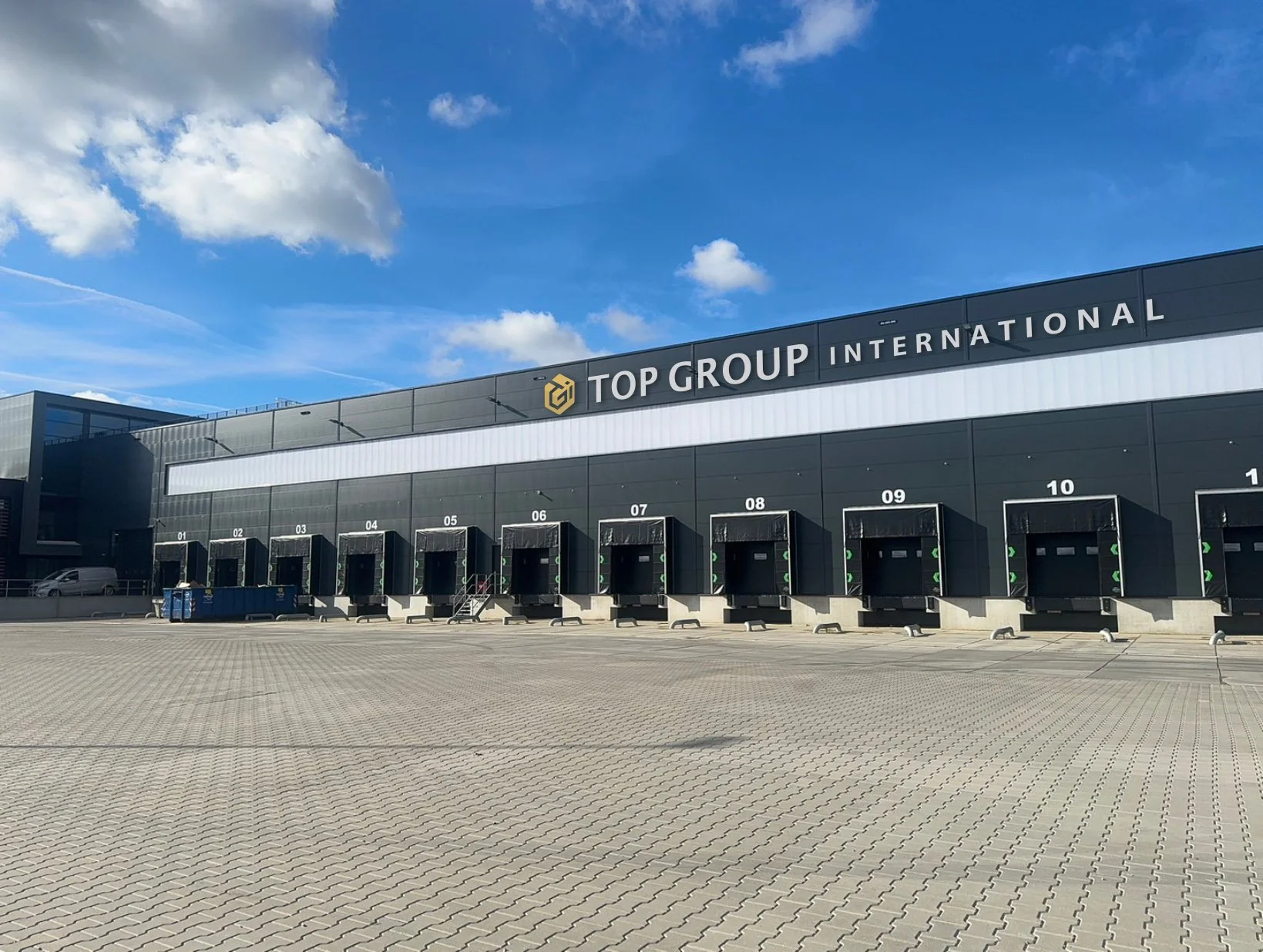
Beam has helped us build our inbound and outbound order process with detailed solutions, smooth installation, and great aftersales support.
TopGroup was dealing with too many errors in outgoing orders due to inadequate or manual controls. Wrong items in shipments caused extra costs and return flows.
- Automation 100% automated control
Fully automated error-free control of outgoing shipments.
- Accuracy <1% error rate
Prevent wrong items in shipments and return flows.
- Integration Seamless WMS connection
Works with existing WMS without modifications.
How this fits into the platform
Location management is the foundation for accurate picking, inventory tracking, and all warehouse operations.
Works seamlessly with:
Location updates flow to all connected solutions automatically.
Recommended hardware
Devices commonly used for location management
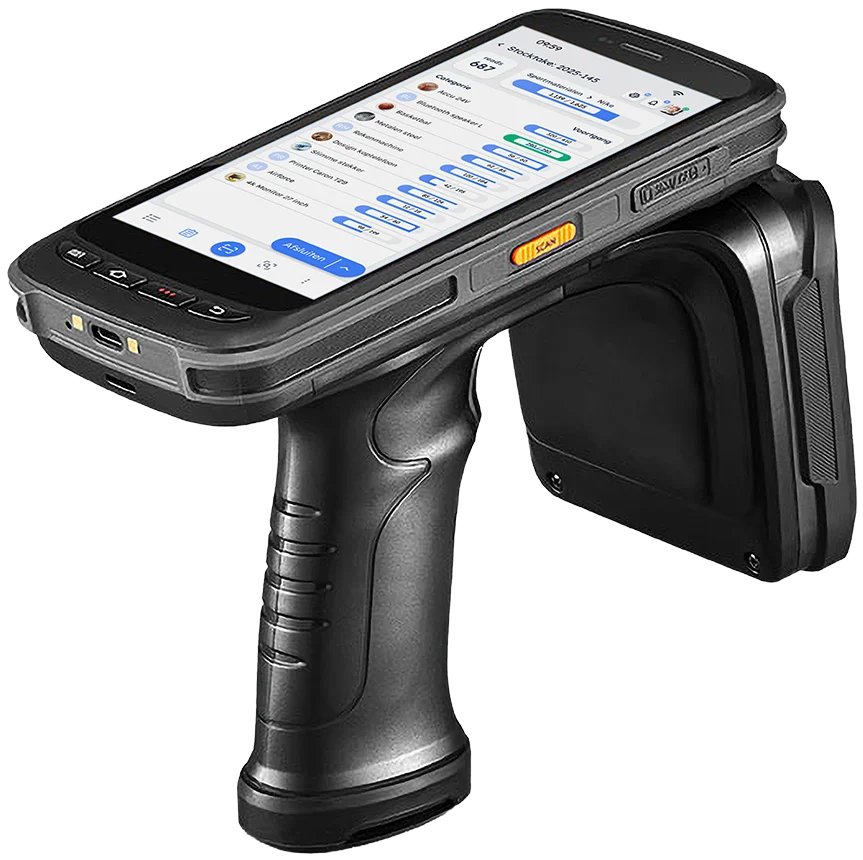
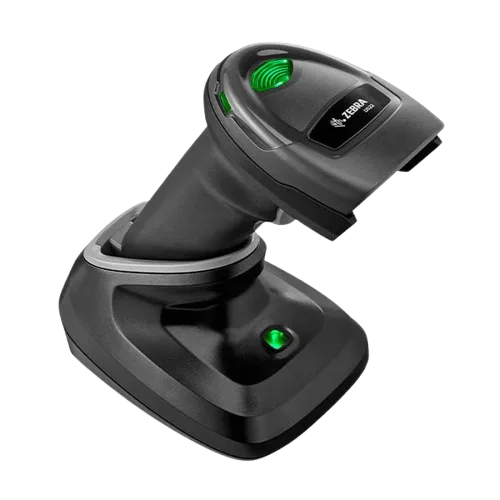
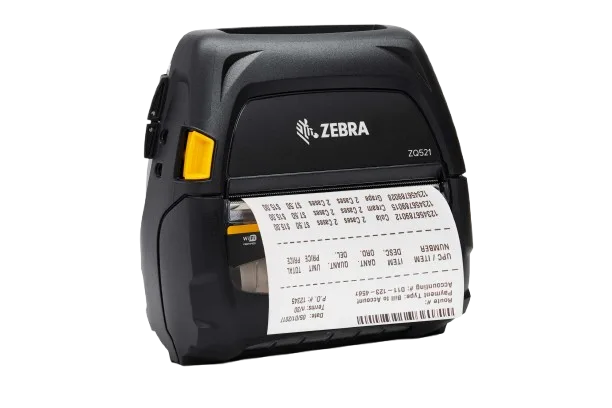
Print shelf and compartment barcodes on the spot. Scan with RFID, barcode, or phone camera locations update the same way.
Frequently asked questions
Yes. Draw zones on an interactive canvas, choose from 15+ types, set colours and 3D height. Import a background image of your floor plan or start from a template.
Down to individual shelf compartments. Configure shelves with rows and columns. Each cell gets a label, barcode and capacity. The system tracks quantities per compartment.
Yes. Zone types include options for retail (display, counter), events (seating, VIP), offices and logistics (charging, parking). The 3D view works for any space where you track items at specific locations.
Yes. Add a background image of your floor plan or architectural drawing, then draw zones on top. Background opacity is adjustable. Or start from a template.
Search by name, barcode or tag. Results show all locations with quantities. Tap to navigate directly to the zone and compartment on the floorplan.
Yes. Each floor or building is a separate map with its own zones and spots. Search across all maps at once results show which map and zone an item is in.